 See You There!
Plan your next dinner without the 47 WhatsApp messages.
See You There! is the easiest way to agree on a date, pick a spot, lock in the plan — all in one place. No accounts. No app downloads. Just a link.
Getting your group together should be easier than it is.
Life gets busy. Work, family, the admin of being an adult — it piles up. But there are always people you want to catch up with. Old work mates. Family you see too rarely. School friends scattered across the country.
It starts in the group chat — someone suggests dinner, a few dates get thrown around, someone replies “let me check.” Forty-seven messages later, you've scrolled past three date options you can't find again. The chat goes quiet. The plan fizzles out.
See You There! keeps things moving. Everyone sees the dates in one place. Everyone gets a say on the spot. Everyone knows who's coming.
One link. Everyone pitches in. Plan sorted.
You're the organiser. Here's how it works.
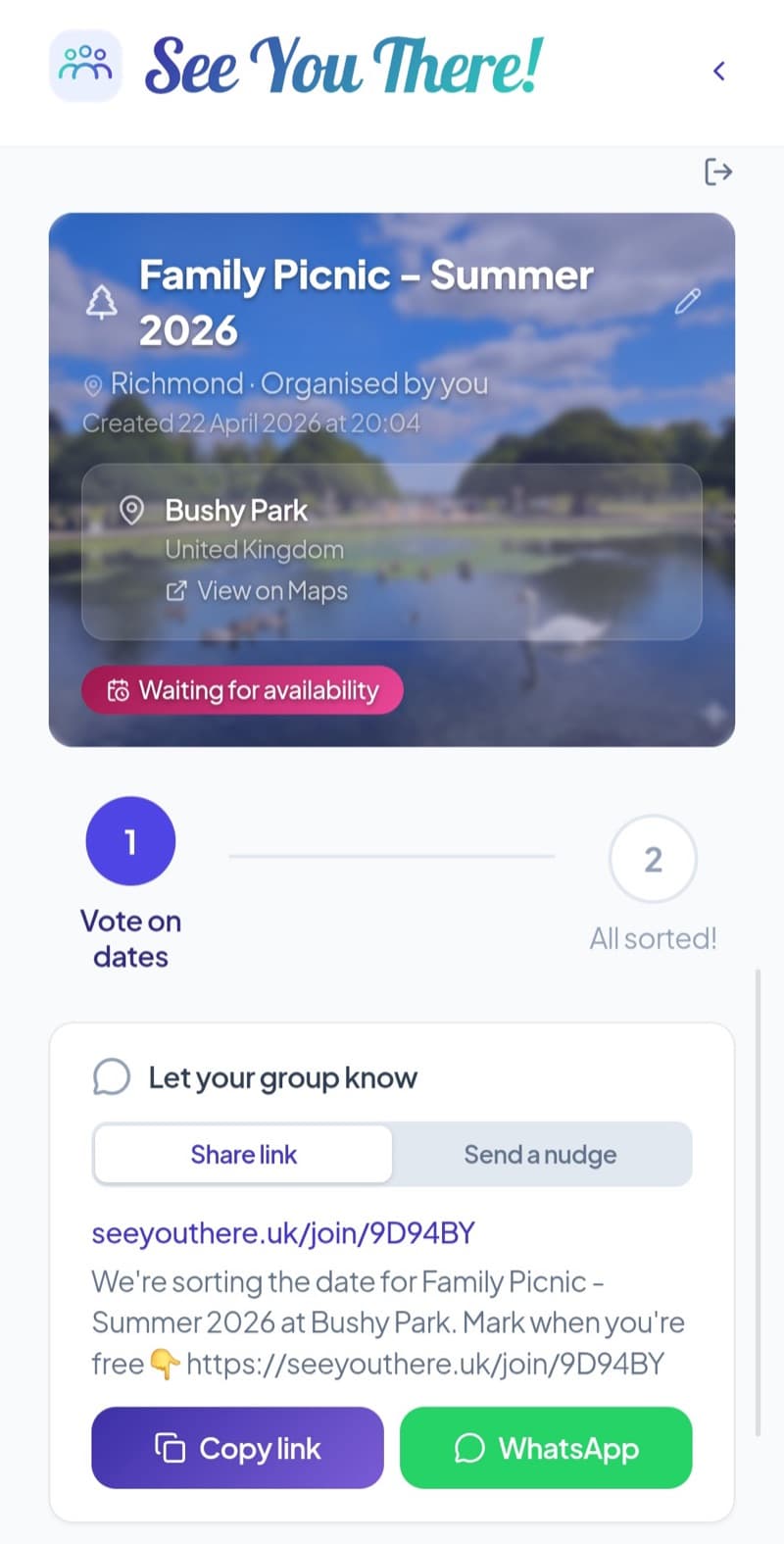
Step 1 — Create a gathering
Name it, add a few date options, and share the link with your group.
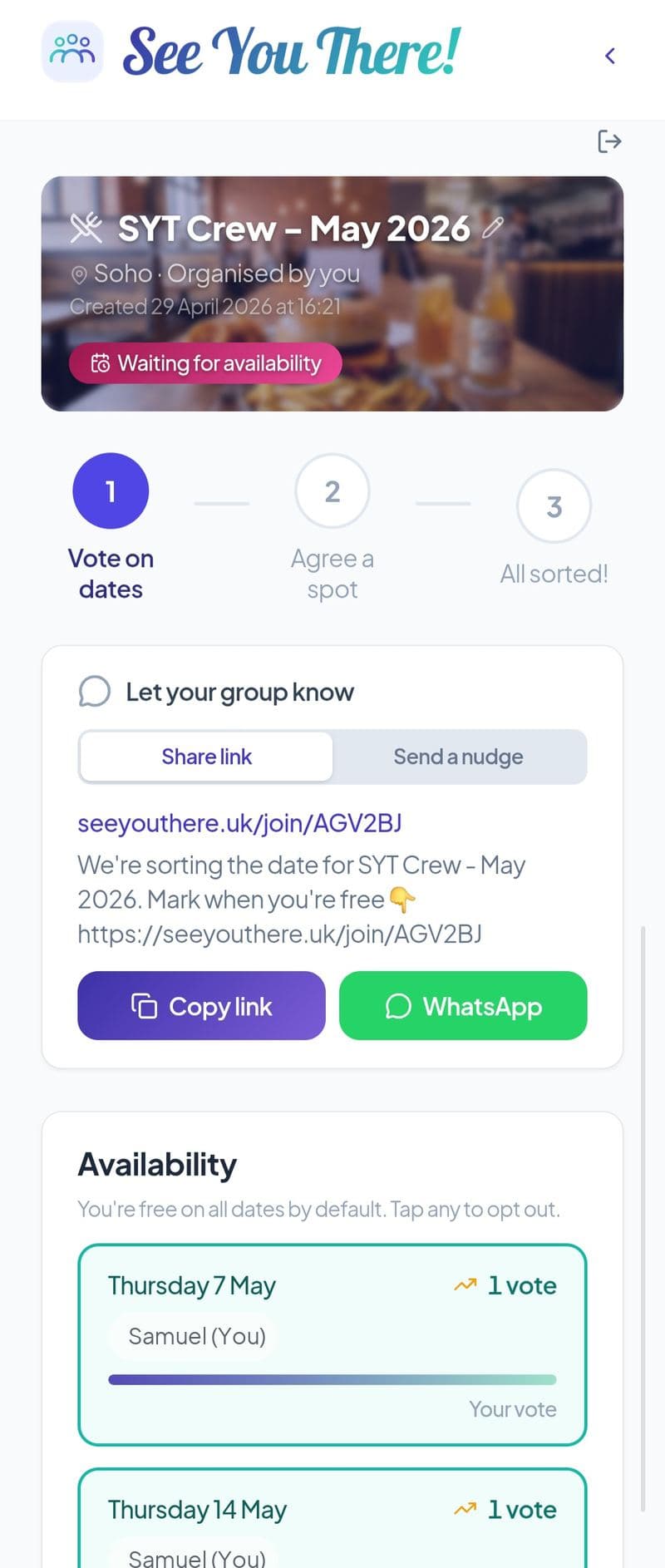
Step 2 — Members vote on the date
Members tap the link and mark when they're free. No account, no app download.
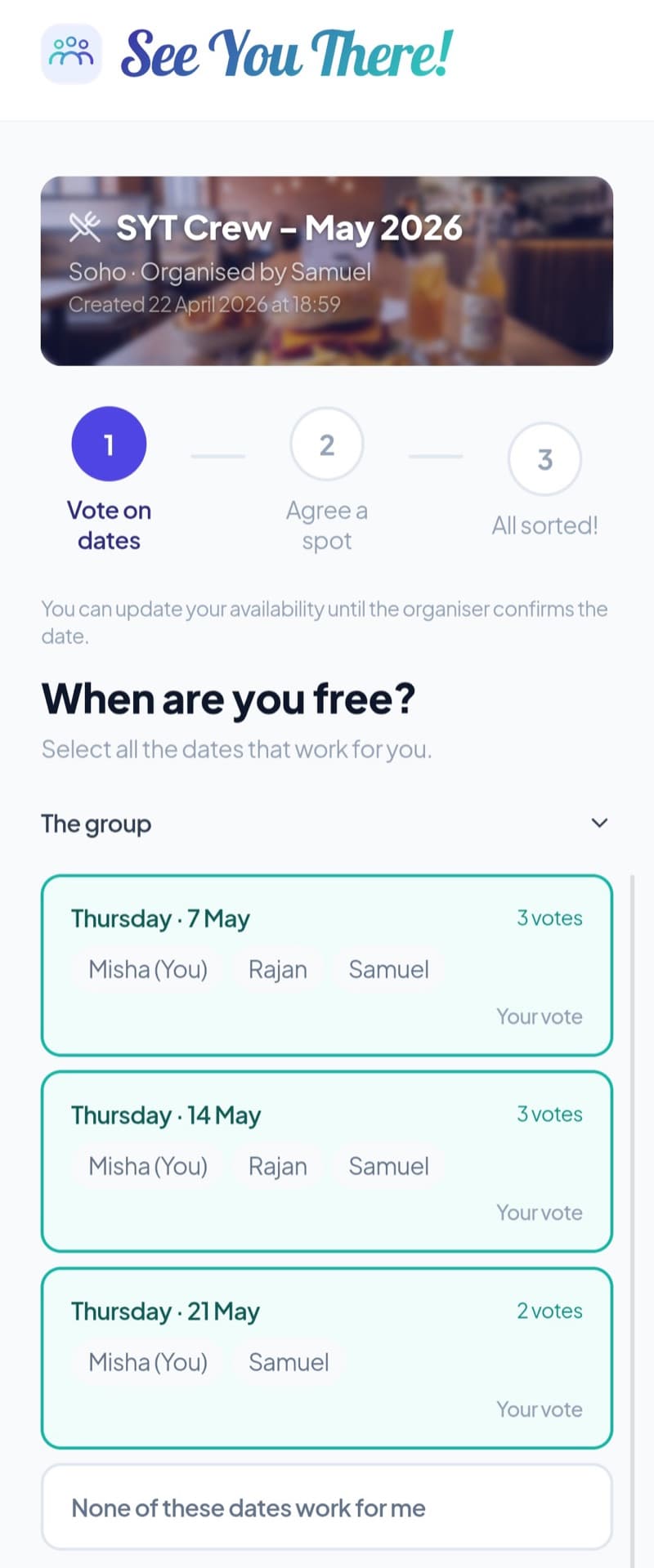
Step 3 — Add the spots — members vote
Once the date's set, add a few spots. Members vote on where to go.
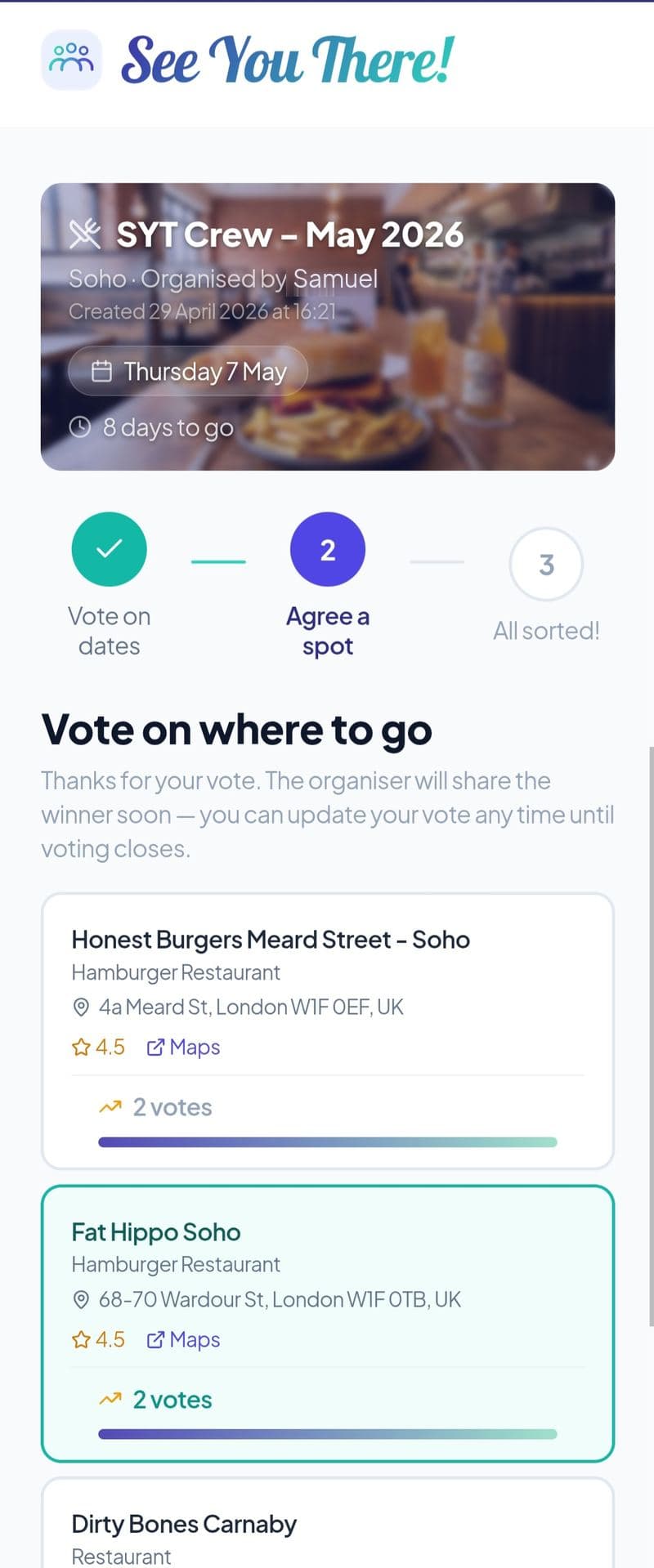
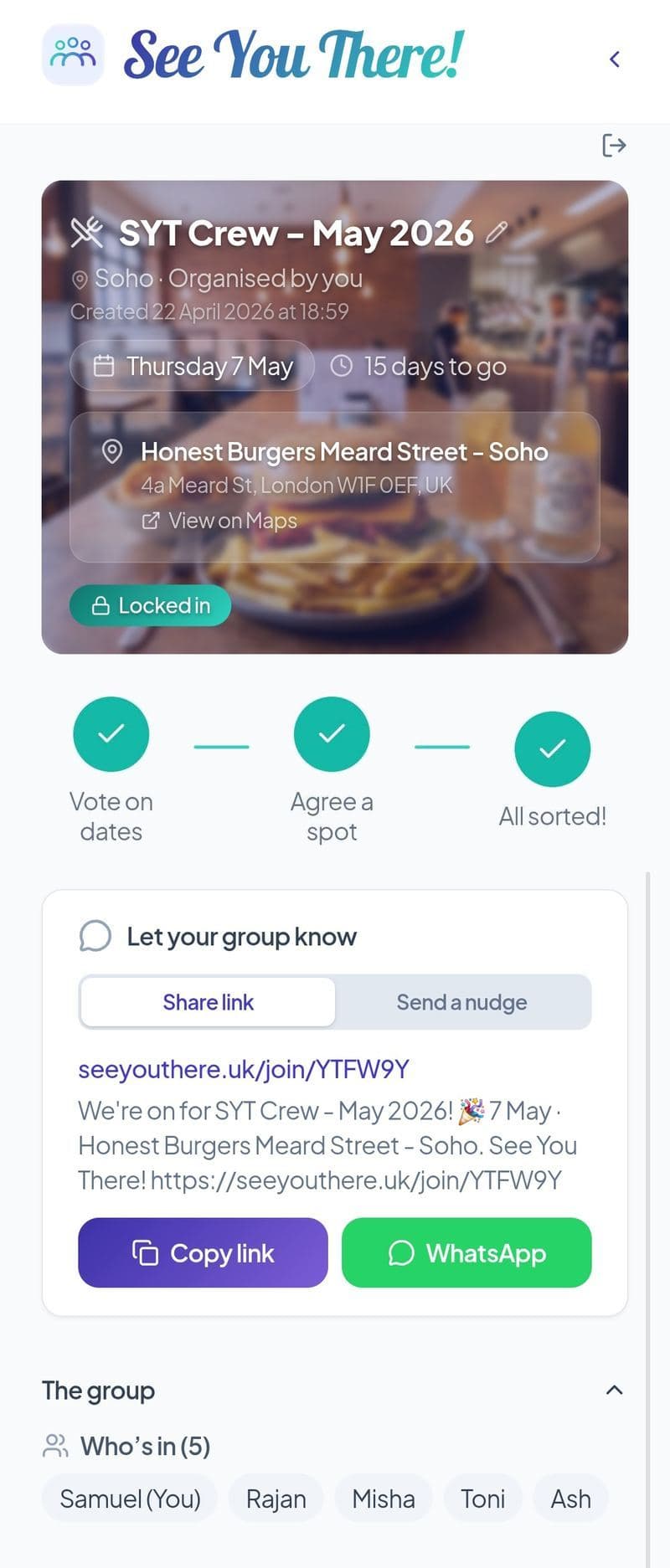
Step 4 — Lock in the plan
Close voting and share the final plan. Everyone knows the date, the spot, and who's coming.
FAQ
Do members need an account?
What if the date or spot is already decided?
How do members get the link?
Can people change their votes?
Can members suggest their own spots?
Does it work on any phone?
Is it free?
Skip the back and forth.
One link, a few taps from your group, and the plan's sorted. No downloads. No sign-ups for your mates.
Start a gathering